





AACSB Accredited
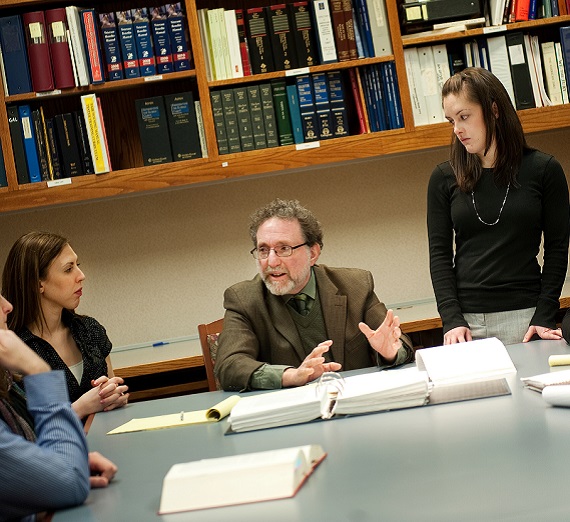
Educating students for lives of leadership and service for the common good is our mission. Our programs are characterized by their personal learning environments, quality students from diverse backgrounds, and faculty committed to excellence in teaching and scholarship.
Graduate School of Business Highlights

#42
Ranked Part-Time MBA by U.S. News & World Report, 2025
#1
1st-Time CPA Pass Rate in Northwest
Small Class Sizes